Catalog & Pricing Data Feeds for Trade-In Programs
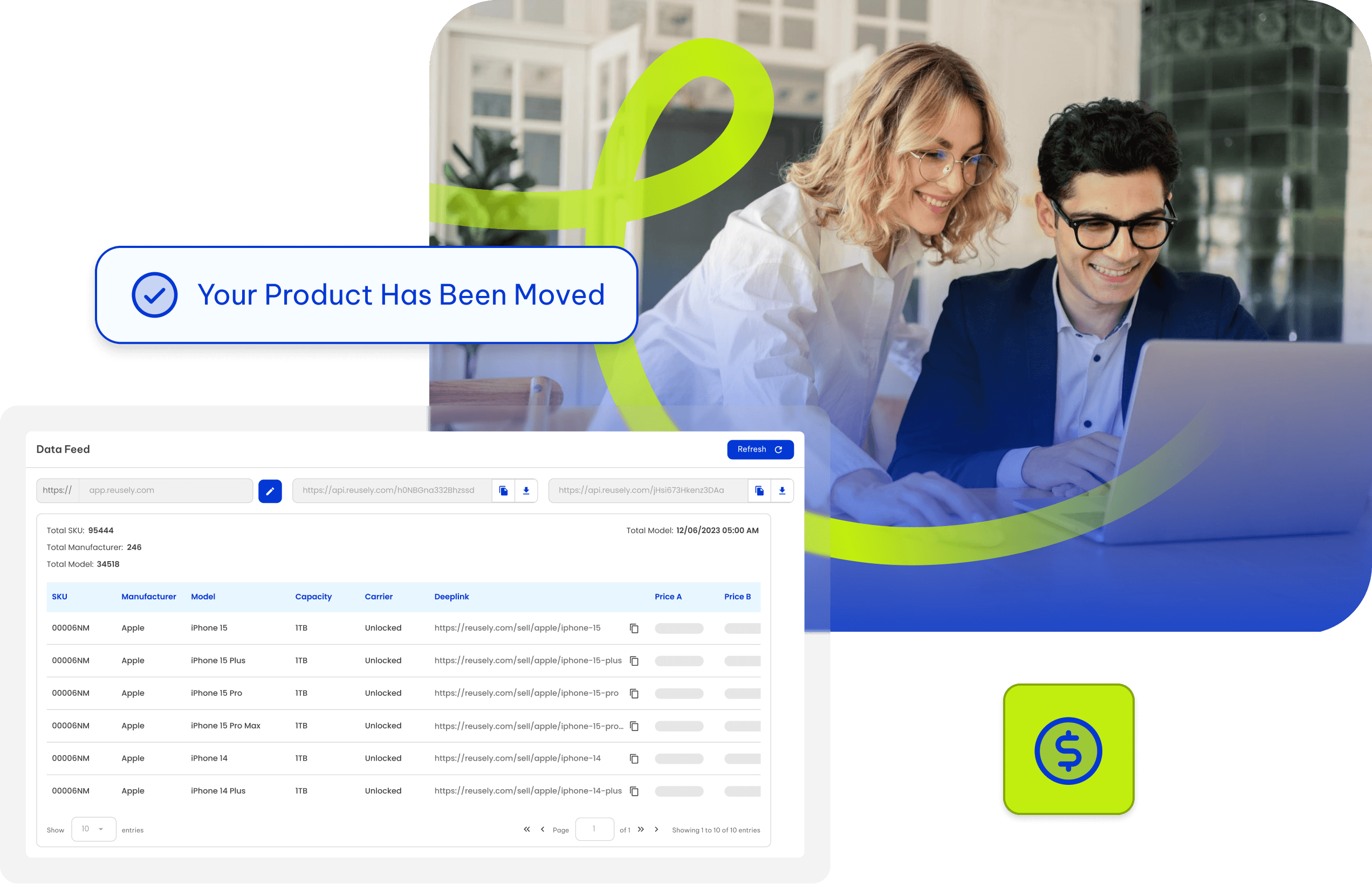
Reusely Data Feeds let you share your trade-in catalog including SKUs, device specs, supported models, condition options, and pricing in formats partners and tools already understand.
Use it to power comparison websites, partner directories, internal catalogs, or deep links that open your widget with an item pre-selected.
Catalog & Pricing Data Feeds for Trade-In Programs
Reusely Data Feeds let you share your trade-in catalog including SKUs, device specs, supported models, condition options, and pricing in formats partners and tools already understand.
Use it to power comparison websites, partner directories, internal catalogs, or deep links that open your widget with an item pre-selected.
Catalog & Pricing Data Feeds for Trade-In Programs
Reusely Data Feeds let you share your trade-in catalog including SKUs, device specs, supported models, condition options, and pricing in formats partners and tools already understand.
Use it to power comparison websites, partner directories, internal catalogs, or deep links that open your widget with an item pre-selected.
Trusted by high-volume trade-in and buyback programs.






Trusted for high-volume operations.
Trusted by high-volume trade-in and buyback programs.
What the Feed Includes
Everything a Seller Needs to See Your Offers
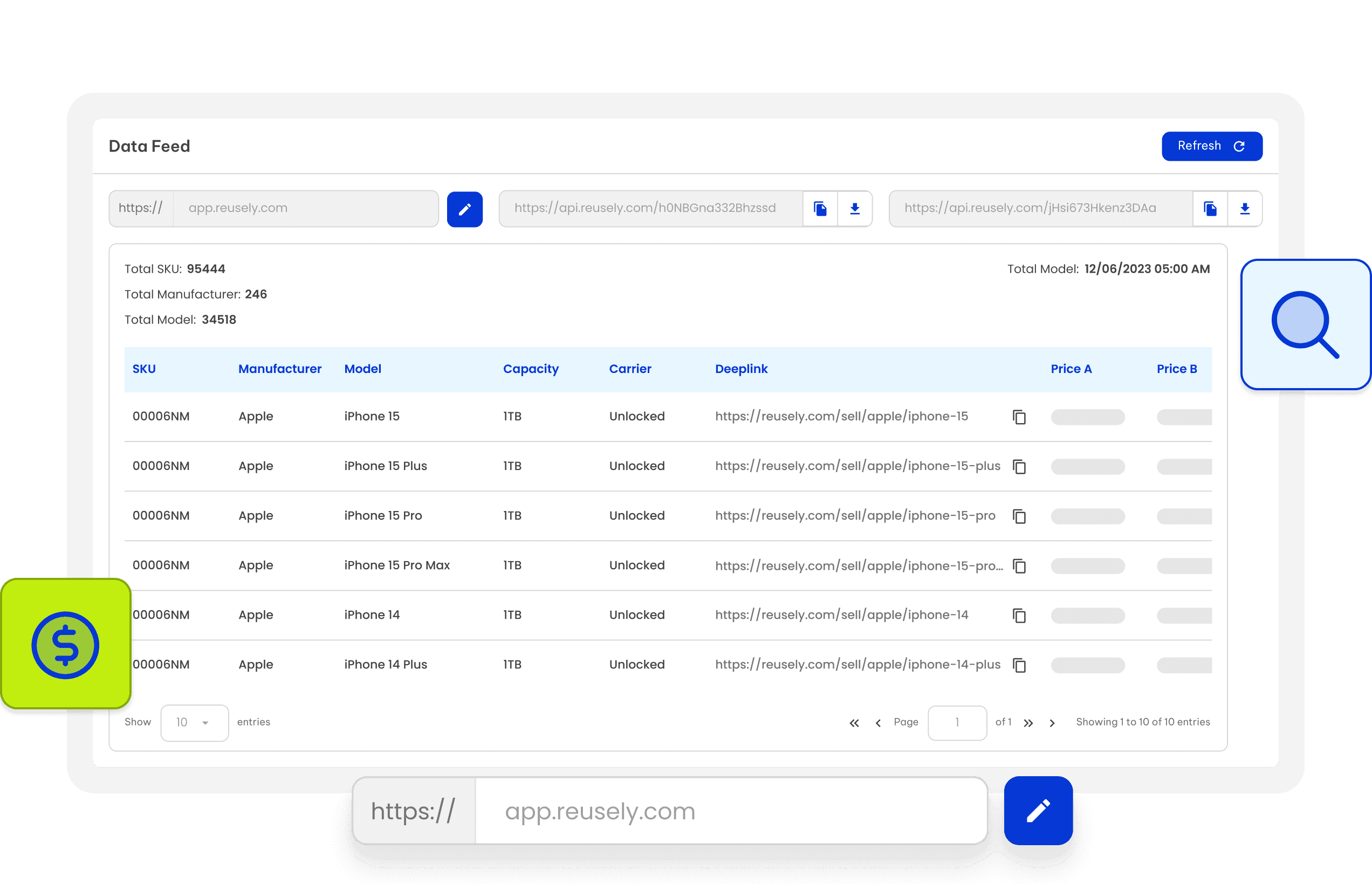
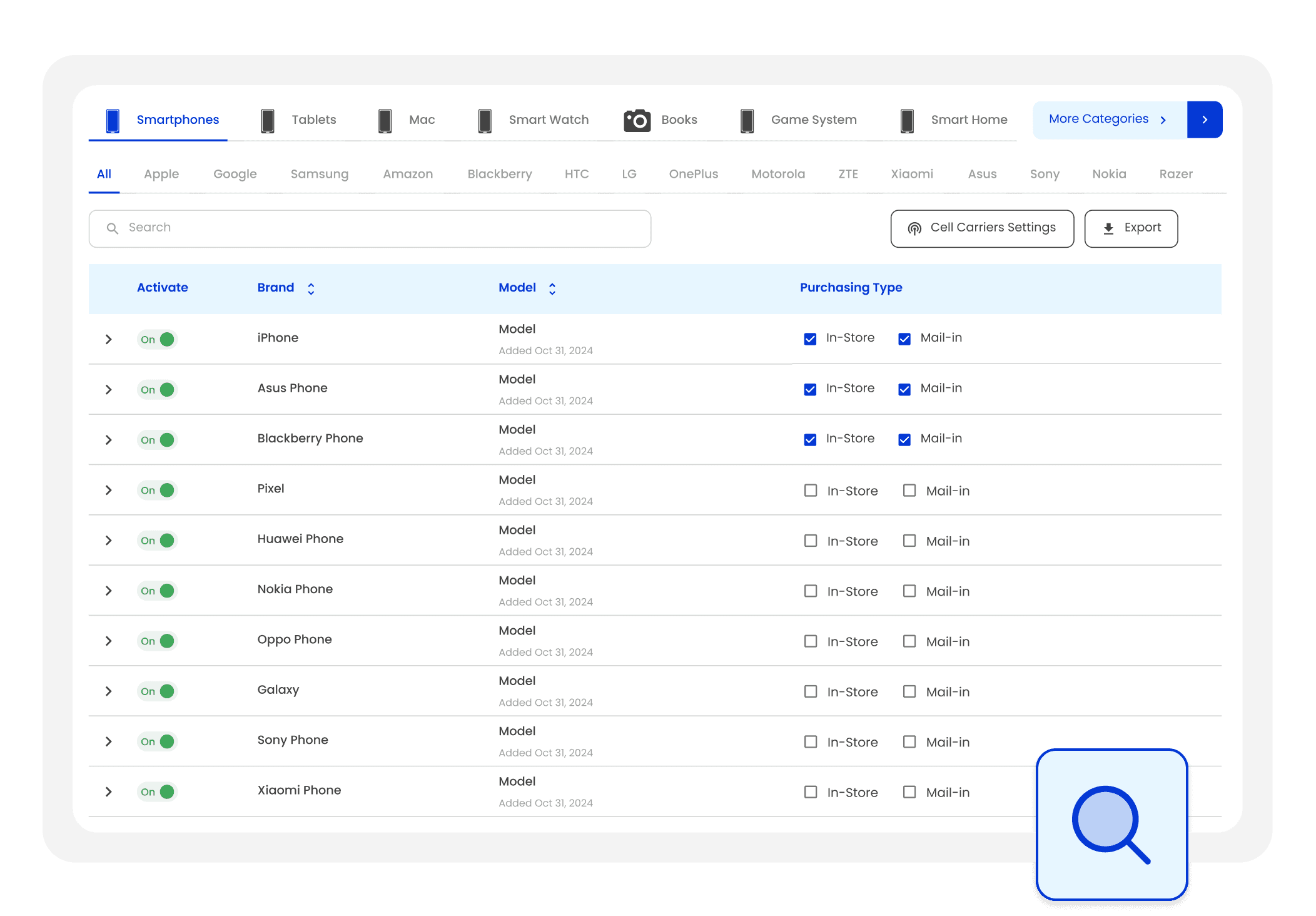
The Data Feed is designed to publish the catalog and pricing layer of your buyback program not operational order events. It provides a structured list of what you buy and what you pay, based on model + condition.
Data Available via Reusely Data Feeds
Catalog coverage: manufacturer, model, SKU/product identifiers
Device details/specs (where applicable)
Supported conditions and condition labels
Trade-in / buyback pricing per condition
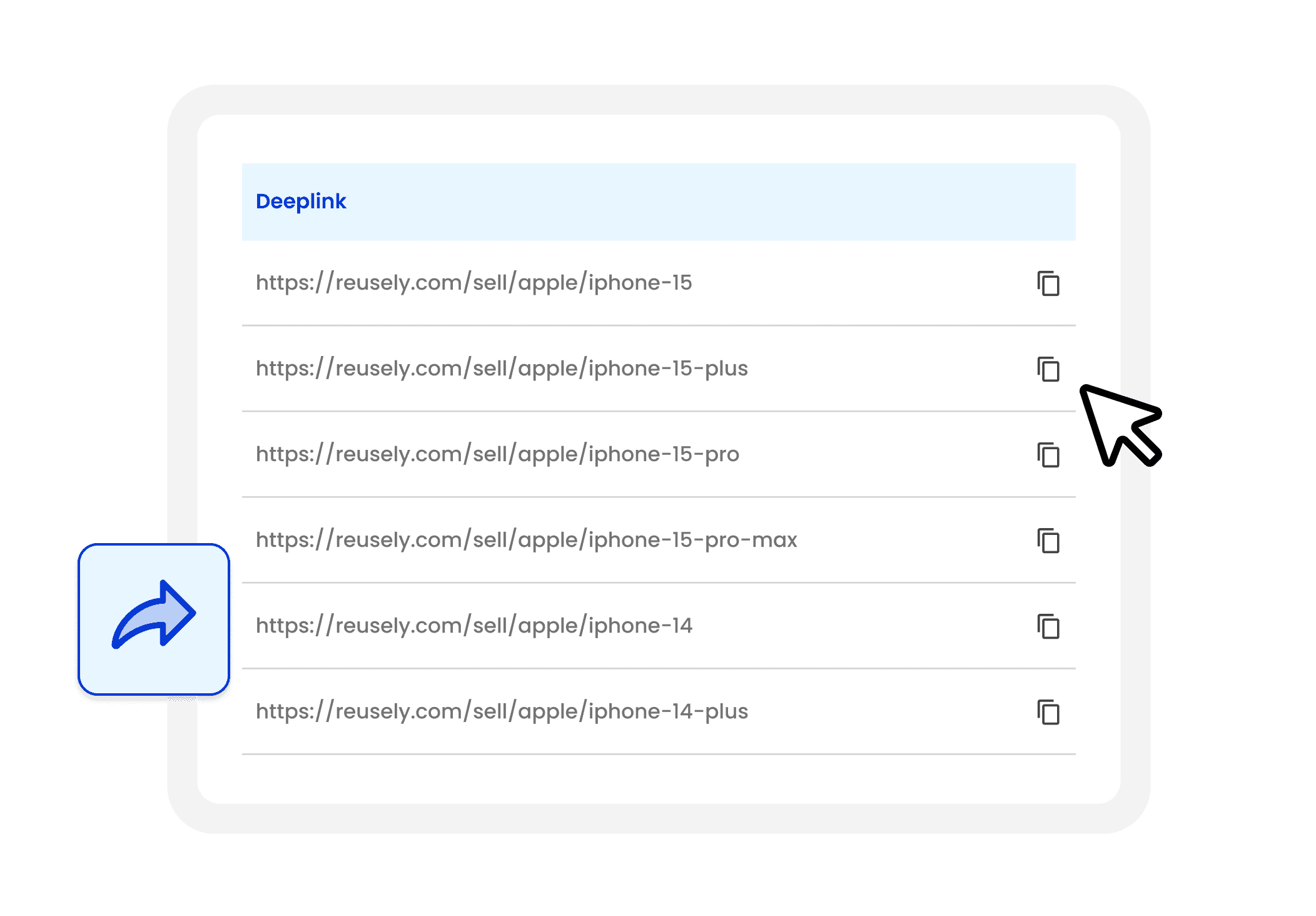
“Direct link” URLs that open your widget on a specific item
What the Feed Includes
Everything a Seller Needs to See Your Offers
The Data Feed is designed to publish the catalog and pricing layer of your buyback program not operational order events. It provides a structured list of what you buy and what you pay, based on model + condition.
Data Available via Reusely Data Feeds
Catalog coverage: manufacturer, model, SKU/product identifiers
Device details/specs (where applicable)
Supported conditions and condition labels
Trade-in / buyback pricing per condition
“Direct link” URLs that open your widget on a specific item
What the Feed Includes
Everything a Seller Needs to See Your Offers
The Data Feed is designed to publish the catalog and pricing layer of your buyback program not operational order events. It provides a structured list of what you buy and what you pay, based on model + condition.
Data Available via Reusely Data Feeds
Catalog coverage: manufacturer, model, SKU/product identifiers
Device details/specs (where applicable)
Supported conditions and condition labels
Trade-in / buyback pricing per condition
“Direct link” URLs that open your widget on a specific item
Deep Links That Convert
Deep Links That Preselect the Device in Your Widget
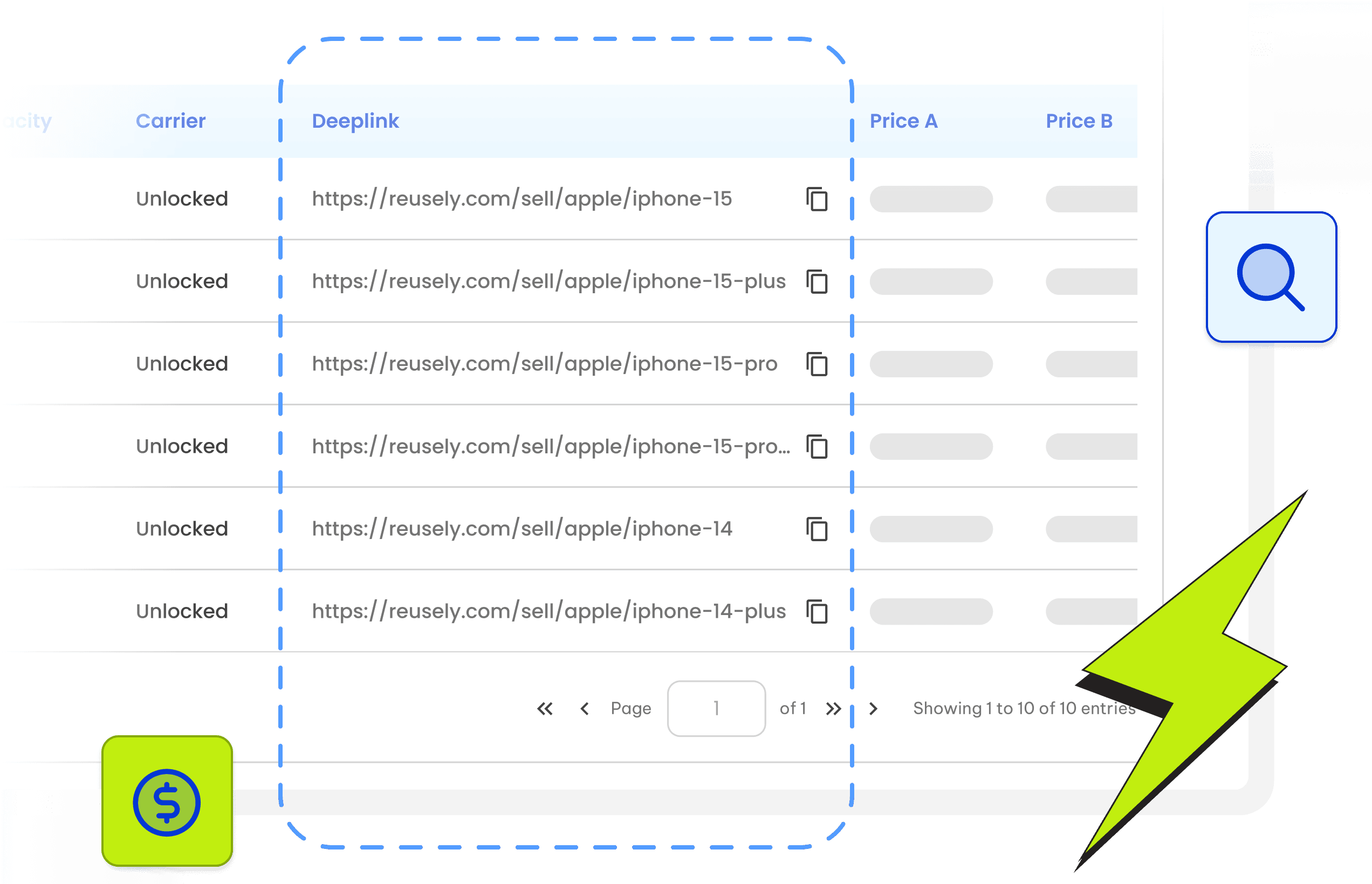
Each feed item can generate a direct link so sellers don’t have to search again. When someone clicks, your widget opens with the correct model already selected reducing drop-off and speeding up checkout.
Deep Links That Convert
Deep Links That Preselect the Device in Your Widget
Each feed item can generate a direct link so sellers don’t have to search again. When someone clicks, your widget opens with the correct model already selected reducing drop-off and speeding up checkout.
Deep Links That Convert
Deep Links That Preselect the Device in Your Widget
Each feed item can generate a direct link so sellers don’t have to search again. When someone clicks, your widget opens with the correct model already selected reducing drop-off and speeding up checkout.
Delivery Formats
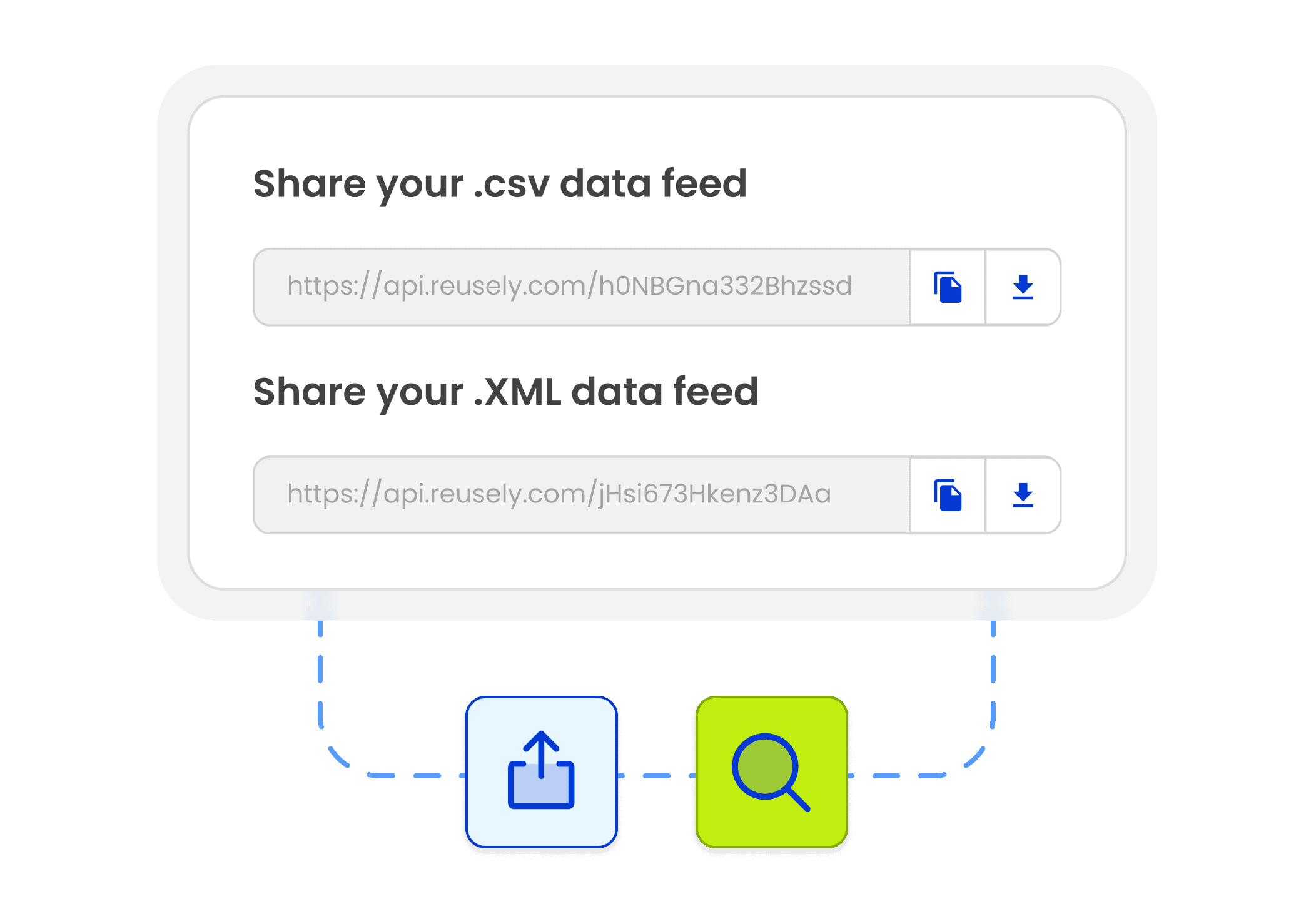
Share the Feed as CSV, XML, or JSON
Publish the same catalog/pricing dataset in the format your partners and tools require.
Delivery Formats
Share the Feed as CSV, XML, or JSON
Publish the same catalog/pricing dataset in the format your partners and tools require.



" transform="translate(-143 -50.5)" width="603.3232130761987px"/></svg>)
Control What Gets Published
Exclusions and Visibility Controls
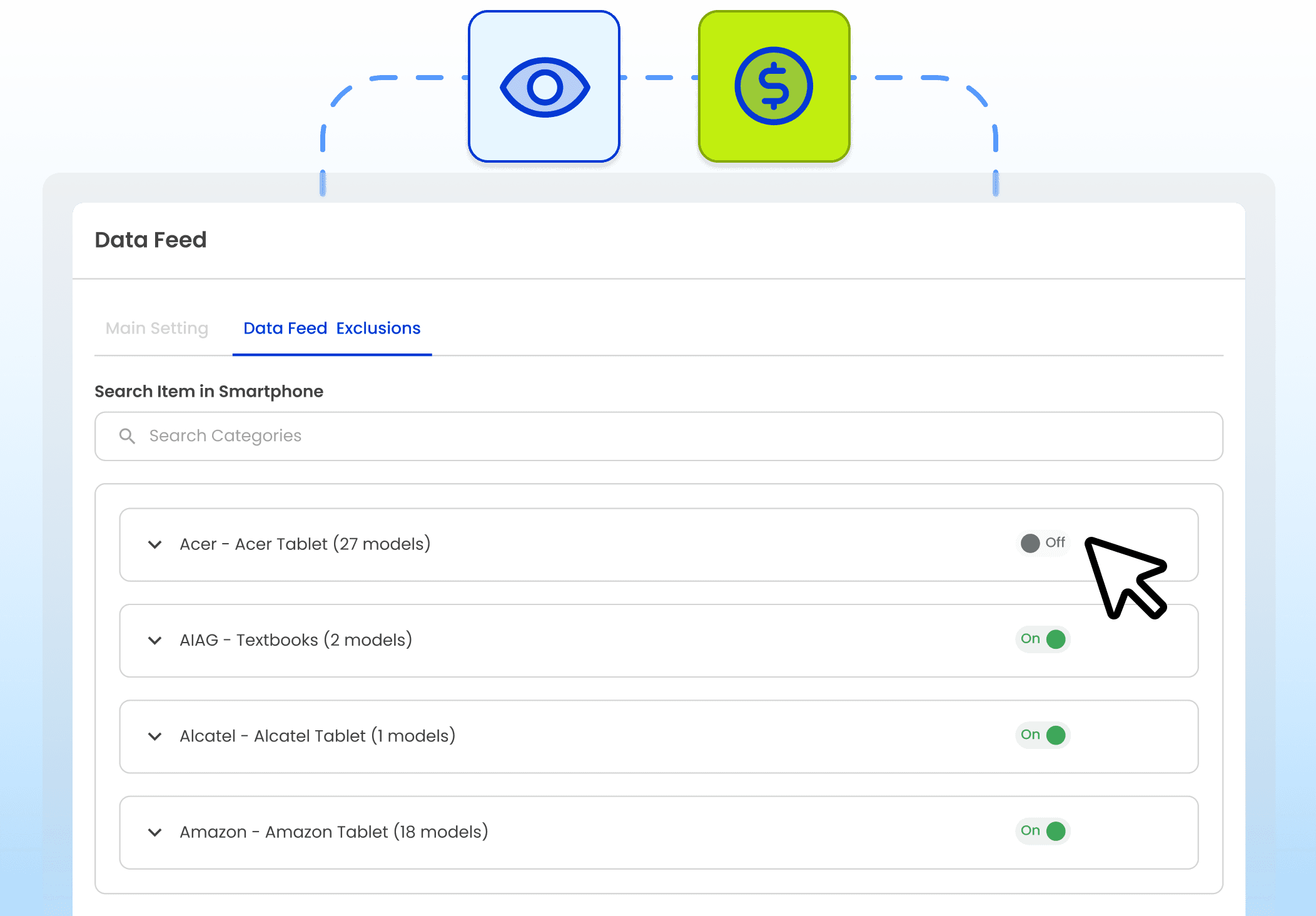
Not everything in your catalog needs to be public. Use exclusions to control what appears in the Data Feed so partner listings stay accurate and aligned to your current strategy.
Hide specific SKUs/models
Remove certain conditions from public view
Exclude categories you don’t want promoted externally

Control What Gets Published
Exclusions and Visibility Controls
Not everything in your catalog needs to be public. Use exclusions to control what appears in the Data Feed so partner listings stay accurate and aligned to your current strategy.
Hide specific SKUs/models
Remove certain conditions from public view
Exclude categories you don’t want promoted externally
Control What Gets Published
Exclusions and Visibility Controls
Not everything in your catalog needs to be public. Use exclusions to control what appears in the Data Feed so partner listings stay accurate and aligned to your current strategy.
Hide specific SKUs/models
Remove certain conditions from public view
Exclude categories you don’t want promoted externally
Common Use Cases
Where Teams Use Data Feeds
Hand Off gives processors a single way to receive, track, and complete inventory from multiple retail partners. Every item follows the same path from acceptance to payout, so volume can scale without creating exceptions or manual work.
Common Use Cases
Where Teams Use Data Feeds
Hand Off gives processors a single way to receive, track, and complete inventory from multiple retail partners. Every item follows the same path from acceptance to payout, so volume can scale without creating exceptions or manual work.
API vs Feed
Data Feed vs API, When to Use Which
Most teams use both: API for execution, Data Feed for distribution.
API vs Feed
Data Feed vs API, When to Use Which
Most teams use both: API for execution, Data Feed for distribution.
Use Data Feed when you need:
A publishable catalog + pricing dataset (partners, listings, deep links).
Use the API when you need:
Interactive workflows (quoting, checkout, offer creation, operational actions).
Support & Guidance
Frequently Asked Questions
Is the Data Feed only for enterprise?
Does the Data Feed include operational events or payout status?
Can we exclude devices or conditions from the feed?
What formats are supported?
Are updates real-time?
Still have more questions? Find answers in our help center.
Support & Guidance
Frequently Asked Questions
Is the Data Feed only for enterprise?
Does the Data Feed include operational events or payout status?
Can we exclude devices or conditions from the feed?
What formats are supported?
Are updates real-time?
Still have more questions? Find answers in our help center.
Support & Guidance
Frequently Asked Questions
Is the Data Feed only for enterprise?
Does the Data Feed include operational events or payout status?
Can we exclude devices or conditions from the feed?
What formats are supported?
Are updates real-time?
Still have more questions? Find answers in our help center.
Keep Enterprise Execution Secure as You Scale
Run trade-in, buyback, and ITAD workflows with the controls enterprises need without slowing down teams or increasing operational overhead.




" width="1304.414px"/></svg>)

Keep Enterprise Execution Secure as You Scale
Run trade-in, buyback, and ITAD workflows with the controls enterprises need without slowing down teams or increasing operational overhead.
Keep Enterprise Execution Secure as You Scale
Run trade-in, buyback, and ITAD workflows with the controls enterprises need without slowing down teams or increasing operational overhead.