" transform="translate(-136 -81)" width="457.5px"/></svg>)
Run Your Trade-In Program in Every Language
One Reusely account covers every market you sell in. Your buyback widget, customer portal, emails, and receipts all reach customers in their own language, while your team works in theirs.

Run Your Trade-In Program in Every Language
One Reusely account covers every market you sell in. Your buyback widget, customer portal, emails, and receipts all reach customers in their own language, while your team works in theirs.
Run Your Trade-In Program in Every Language
One Reusely account covers every market you sell in. Your buyback widget, customer portal, emails, and receipts all reach customers in their own language, while your team works in theirs.
Seamlessly integrated with 300+ businesses globally











Seamlessly integrated with 300+ businesses globally
" transform="translate(-143 -50.5)" width="603.3232130761987px"/></svg>)
Why Expansion Stalls
Adding a Language Shouldn’t Mean Adding an Account
Most teams add a market and end up managing it separately. Separate catalogs, separate settings, separate logins, and a reconciliation problem at the end of every month.
Reusely keeps every market in one account and treats language as a setting, not a second build. Localization covers the full customer interface (widgets, notifications, workflows, receipts, emails, and the customer portal) so one language carries across the whole flow, from quote to receipt.
On your site, language follows your page settings automatically. In the customer portal, customers choose their own after login. Your team works in their own language too, selected in user settings and kept separate from what customers see. Localization is always active, so with a single language configured, that language simply shows by default.

Why Expansion Stalls
Adding a Language Shouldn’t Mean Adding an Account
Most teams add a market and end up managing it separately. Separate catalogs, separate settings, separate logins, and a reconciliation problem at the end of every month.
Reusely keeps every market in one account and treats language as a setting, not a second build. Localization covers the full customer interface (widgets, notifications, workflows, receipts, emails, and the customer portal) so one language carries across the whole flow, from quote to receipt.
On your site, language follows your page settings automatically. In the customer portal, customers choose their own after login. Your team works in their own language too, selected in user settings and kept separate from what customers see. Localization is always active, so with a single language configured, that language simply shows by default.
Why Expansion Stalls
Adding a Language Shouldn’t Mean Adding an Account
Most teams add a market and end up managing it separately. Separate catalogs, separate settings, separate logins, and a reconciliation problem at the end of every month.
Reusely keeps every market in one account and treats language as a setting, not a second build. Localization covers the full customer interface (widgets, notifications, workflows, receipts, emails, and the customer portal) so one language carries across the whole flow, from quote to receipt.
On your site, language follows your page settings automatically. In the customer portal, customers choose their own after login. Your team works in their own language too, selected in user settings and kept separate from what customers see. Localization is always active, so with a single language configured, that language simply shows by default.
Built for Multi-Language Trade-Ins
More Languages,
One Operation
Title
Localization is configured in settings, not built. Add a localization pack with your source and target language, and it applies across every customer-facing surface.
Keep customers in their language even after the sale, through notifications and receipts
Point 1
Manage every market from one account
Point 2
Set a translation style that matches your brand in every language
Point 3

Localization & Multilingual
Translated by AI, Controlled by Your Team
Reusely's Localization sets your tone once and translates a full pack in a single action, then your team reviews and overrides anything before it reaches a customer. Inside the dashboard, Multilingual gives each team member the language they select.
Localization & Multilingual
Translated by AI, Controlled by Your Team
Reusely's Localization sets your tone once and translates a full pack in a single action, then your team reviews and overrides anything before it reaches a customer. Inside the dashboard, Multilingual gives each team member the language they select.

AI Style
Set the translation tone for each target language, and change it whenever your brand voice does.
AI Style
Set the translation tone for each target language, and change it whenever your brand voice does.
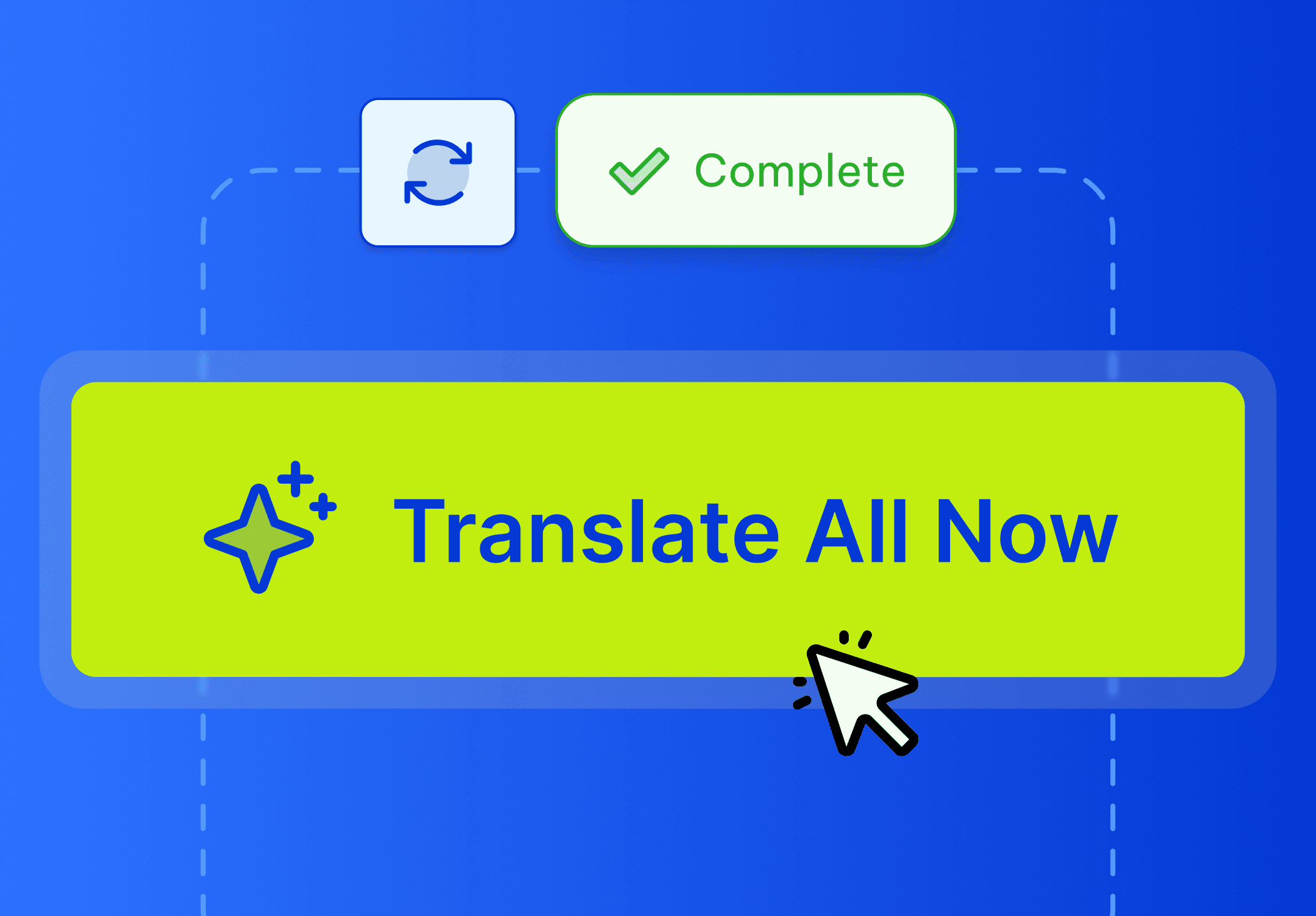
Bulk Translation
Translate an entire localization pack in one action, or handle single items as they change.

Review States
Every string carries a status Not Translated, Done, or Needs Review, so nothing reaches a customer unchecked.

Manual Overrides
Edit any translated string in the Overlay and save it over the AI output.
Manual Overrides
Edit any translated string in the Overlay and save it over the AI output.

Internal Multilingual
Your team's dashboard, tooltips, and system emails follow each user's own language, detected on first launch and set separately from what customers see.
Internal Multilingual
Your team's dashboard, tooltips, and system emails follow each user's own language, detected on first launch and set separately from what customers see.
Internal Multilingual
Your team's dashboard, tooltips, and system emails follow each user's own language, detected on first launch and set separately from what customers see.
Support & Guidance
Frequently Asked Questions
What's the difference between Localization and Multilingual?
Do we have to translate everything ourselves?
What's the difference between source language and target language?
Can we adjust and add more languages later?
Still have more questions? Find answers in our help center.
Support & Guidance
Frequently Asked Questions
What's the difference between Localization and Multilingual?
Do we have to translate everything ourselves?
What's the difference between source language and target language?
Can we adjust and add more languages later?
Still have more questions? Find answers in our help center.
Support & Guidance
Frequently Asked Questions
What's the difference between Localization and Multilingual?
Do we have to translate everything ourselves?
What's the difference between source language and target language?
Can we adjust and add more languages later?
Still have more questions? Find answers in our help center.
Ready to Sell in More Than One Language?
Set up a localization pack with your source and target language, let AI translate it in one action, and review what matters before it goes live. Customers stay in their own language from quote to receipt, your team works in theirs, and everything runs from one Reusely account.




" width="1304.414px"/></svg>)

Ready to Sell in More Than One Language?
Set up a localization pack with your source and target language, let AI translate it in one action, and review what matters before it goes live. Customers stay in their own language from quote to receipt, your team works in theirs, and everything runs from one Reusely account.
Ready to Sell in More Than One Language?
Set up a localization pack with your source and target language, let AI translate it in one action, and review what matters before it goes live. Customers stay in their own language from quote to receipt, your team works in theirs, and everything runs from one Reusely account.