What to Do Before Selling Your Old Smartphone

Cullin McGrath
Chief Executive Officer
A smartphone is often more than just another electronic device. It captures birthdays, holidays, graduations, late-night conversations, and thousands of everyday moments that matter. But when it's time to upgrade, keeping an unused phone in a drawer rarely makes sense, especially when it still has significant resale value.
Many people are eager to sell their old phone as soon as the new one arrives. They quickly transfer their SIM card, switch to the new device, and arrange a sale without giving the old smartphone much thought. In the rush to complete the transaction, it's easy to forget that personal photos, banking apps, passwords, cloud accounts, and security settings may still be stored on the device.
Selling a smartphone involves more than simply handing it to the next owner. Preparing your smartphone before the sale is just as important as finding the right buyer. A few minutes of preparation can make a significant difference, helping you avoid unnecessary delays and receive the best possible offer for your smartphone.
Before saying goodbye to your old smartphone, take a few minutes to prepare it properly. The following checklist will help you protect your personal information, streamline the selling process, and maximize your phone's resale value.
Back Up Important Data
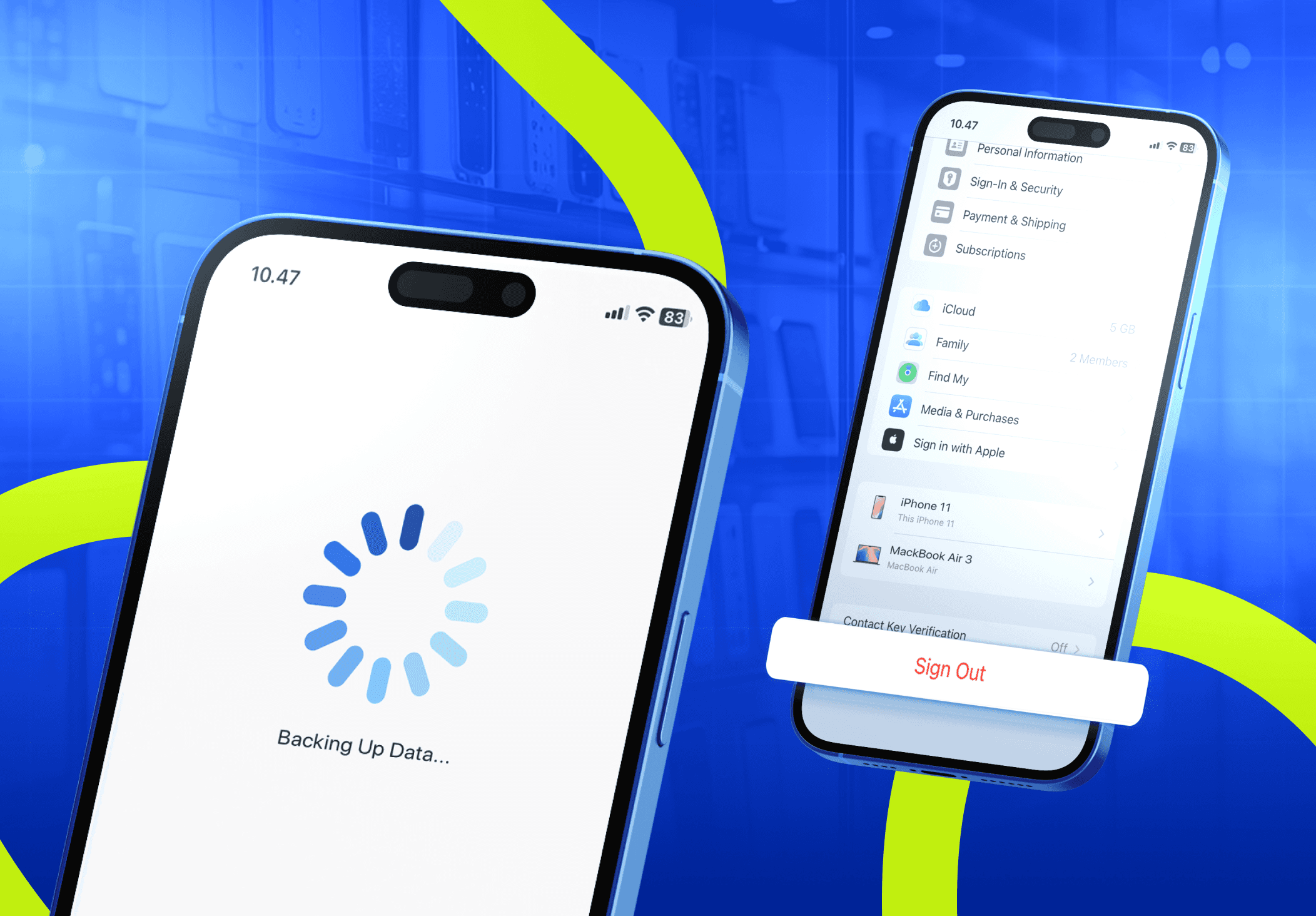
Start by making sure everything you want to keep has been safely backed up. A factory reset permanently removes the data stored on the device, making recovery difficult or, in many cases, impossible. Spending a few extra minutes creating a backup can prevent the loss of valuable memories and important information.
Photos and videos are often the first files people think to save, but they aren't the only files worth keeping. Screenshots of payment confirmations, digital receipts, scanned documents, voice or call recordings, downloaded files, notes, and chat histories may also contain information you'll need in the future. If you use your smartphone for work, remember to back up business contacts, project files, or documents stored only on the device.
Choose the backup method that works best for you, whether that's iCloud, Google Drive, a computer, or an external hard drive. After confirming everything has been safely stored, you can reset your smartphone with confidence, knowing your photos, contacts, documents, and other important files are protected.
Sign Out of All Accounts
The next priority to do before selling your old phone is to remove your personal accounts from the device. Signing out of all accounts helps protect your privacy and ensures the next owner won't have access to your emails, photos, cloud storage, or other personal information. It also prevents activation locks that could make the smartphone unusable after it's been reset.
Before signing out of all accounts linked to your smartphone, make sure you have already unpaired your phone from other devices, such as smartwatches, headphones, and speakers.
Android
For Android users, if your device has “Find My Device” enabled, make sure it's turned off before removing your Google account to avoid activation-related issues. After making sure it’s disabled, here are the things you need to do:
Open “Settings”
Go to “Users & Accounts” or another similarly named menu.
Remove all your accounts from the device (Google, Facebook, WhatsApp, Microsoft, X, Instagram, Snapchat, etc.)
iOS
For iPhone users, removing accounts from your device may differ depending on your phone’s iOS version.
iOS 26 or later:
Open “Settings”
Tap "your name"
Scroll down and tap “Sign Out”
Choose “Erase this iPhone” or “Sign Out But Don't Erase”
If you're asked which account you want to sign out of, tap “Sign out of iCloud and Store”
If you want to sign out of your Apple Account on your iPhone but plan to keep the device for yourself, you can choose “Sign Out But Don't Erase”. This lets you sign out of your Apple Account without erasing your device so that you can sign back in faster later.
When you choose this option, most data stays on your device. This includes: Health, Passwords, Contacts, Photos, Documents, Apps, Bookmarks, Wallet passes, and Data that hasn't yet synced with iCloud.
To remove all of this data from your device when you sign out of your Apple Account, choose “Erase This iPhone” instead.
iOS 18 or earlier
Open “Settings”
Tap "your name"
Scroll down, and tap “Sign Out”
Enter your Apple Account password.
Tap “Turn Off”
iOS 10.2 or earlier
Open “Settings”
Tap “iCloud”
Tap “Sign Out”
Tap “Sign Out” again, then tap “Delete from My Device.”
Enter your Apple ID password.
Open “Settings”
Tap “iTunes & App Store”
Tap “Apple ID”
Tap “Sign Out”
Remove Security Locks
The next crucial step is to remove any security locks tied to your smartphone. Screen locks, PINs, passwords, and biometric authentication protect your personal information while you own the smartphone, but they should be removed before handing it over to its next owner. Clearing these security measures ensures the buyer can set up the device without running into unnecessary access issues.
Android
For Android users, follow these steps to remove your security locks.
Open “Settings”
Tap “Security & Privacy” or “Lock Screen”
Go to “Device Unlock” and tap “Screen Lock”
Enter your current PIN, pattern, or password to access the menu.
Select “None” or “Swipe”
Confirm by tapping “Delete” or “Remove”.
iOS
For iPhone users, remove your passcode through the Settings menu:
Open “Settings”
Tap “Face ID & Passcode” or “Touch ID & Passcode”
Enter your current passcode.
Scroll down and tap “Turn Passcode Off”
Enter your passcode again to confirm.
Factory Reset
With your data backed up, accounts removed, and security locks disabled, you're ready to erase everything stored on your smartphone. A factory reset restores the smartphone to its original settings by removing your personal information, apps, photos, messages, and other stored data. Once the reset is complete, the phone is ready for its next owner to set up as a new device.
Android
Here are the steps to reset an Android smartphone:
Open “Settings”
Tap “System,” “General Management,” or a similar menu, depending on your phone.
Select “Reset” or “Reset Options”
Tap “Erase All Data” or “Factory Reset”
Review the information, then tap “Reset Phone” or “Erase Everything”
Enter your PIN, pattern, or password if prompted, and confirm the reset.
iOS
Here are the steps to reset an iPhone:
Open “Settings”
Tap “General”
Select “Transfer” or “Reset iPhone”
Tap “Erase All Content and Settings”
Review the information, then tap “Continue”
Enter your passcode and Apple Account password if prompted to confirm the reset.
After the reset finishes, the smartphone will restart and display the initial setup screen, confirming that your personal data has been removed and the device is ready for its next owner.
Double-check the Condition
Take a few minutes to inspect your smartphone one last time before listing or handing it over. A final check helps you spot any issues you may have overlooked and ensures you can describe the device accurately to potential buyers. Being transparent about the smartphone's condition also helps build trust and reduces the chance of disputes after the sale.
Examine the exterior for scratches, dents, cracks, or signs of wear.
Turn on the device and verify that the display responds properly to touch.
Check that the buttons function as expected.
Ensure the speakers and microphone produce a clear sound.
Test the cameras.
Check the charging port.
Verify that the fingerprint sensor or Face ID works correctly.
Test Wi-Fi, Bluetooth, and cellular connectivity to confirm everything works properly.
If you notice any cosmetic damage or hardware issues, document them with clear photos and include them in your listing. Honest descriptions allow buyers to make informed decisions and help you avoid misunderstandings during the selling process.
Understand the Value
The next step before selling your old smartphone is to determine a fair selling price based on its overall condition, storage capacity, age, and market demand. Taking the time to research its value can help you avoid accepting an offer that's lower than your device is worth.
Start by checking the prices of similar smartphones on online marketplaces, trade-in programs, and buyback platforms. Compare devices with the same model, storage capacity, and condition to get a realistic price range. Keep in mind that phones in excellent condition typically sell for more than those with visible cosmetic damage or hardware issues.
If your smartphone includes the original box, charger, or other accessories, you may also be able to ask for a higher price. Having proof of purchase or warranty coverage, if available, can further increase buyer confidence.
Understanding your smartphone's market value helps you negotiate with confidence and set a fair price for both you and the buyer, so you don't end up selling it for less than it's worth.
Get the Best Value
The highest selling price doesn't always mean the best deal. Some selling methods offer higher payouts but require more time and effort, while others prioritize speed and convenience. Understanding the differences can help you choose the option that best fits your priorities.
Selling your smartphone privately often provides the highest return because there are no middlemen involved. However, you'll need to create a listing, communicate with potential buyers, negotiate the price, and arrange a safe meeting or shipment. If you're comfortable handling the additional work, selling your smartphone privately can help you get the most out of it.
If you prefer a faster and more straightforward process, a trade-in or buyback platform may be a better choice. Although the offer may be slightly lower than a private sale, these services typically provide instant quotes, secure transactions, and a simpler selling experience.
No matter which option you choose, compare offers from multiple buyers before making a decision. A little research can reveal significant price differences for the same smartphone, helping you avoid accepting an offer that's lower than your device is worth. Always sell through a trusted marketplace or reputable buyback service.
Be cautious of buyers who pressure you to lower your price, ask you to complete the transaction outside the platform, or request payment methods that offer little protection. Choosing a reliable sales channel helps ensure a safer transaction and gives you the confidence to sell at a fair price.
Find a Trusted Buyback or Trade-In Service
Whether you choose a buyback or a trade-in depends on what you're planning to do next. A buyback program is ideal if you want to sell your smartphone for cash. A trade-in, on the other hand, lets you exchange your current device for credit toward a new one, making it a convenient option if you're planning to upgrade.
Once you've decided which option best fits your needs, take time to choose a service you can trust. Look for providers that offer a transparent evaluation process, competitive pricing, secure transactions, and clear communication throughout. Knowing what to expect before sending in your smartphone can help you avoid unnecessary surprises and enjoy a smoother selling experience.
When comparing different services, don't focus solely on the quoted price. Review how the smartphone is evaluated, how long the process takes, when you'll receive payment, and whether the company has positive customer reviews. Taking a few minutes to compare your options can help you avoid unexpected price adjustments and unreliable buyers.
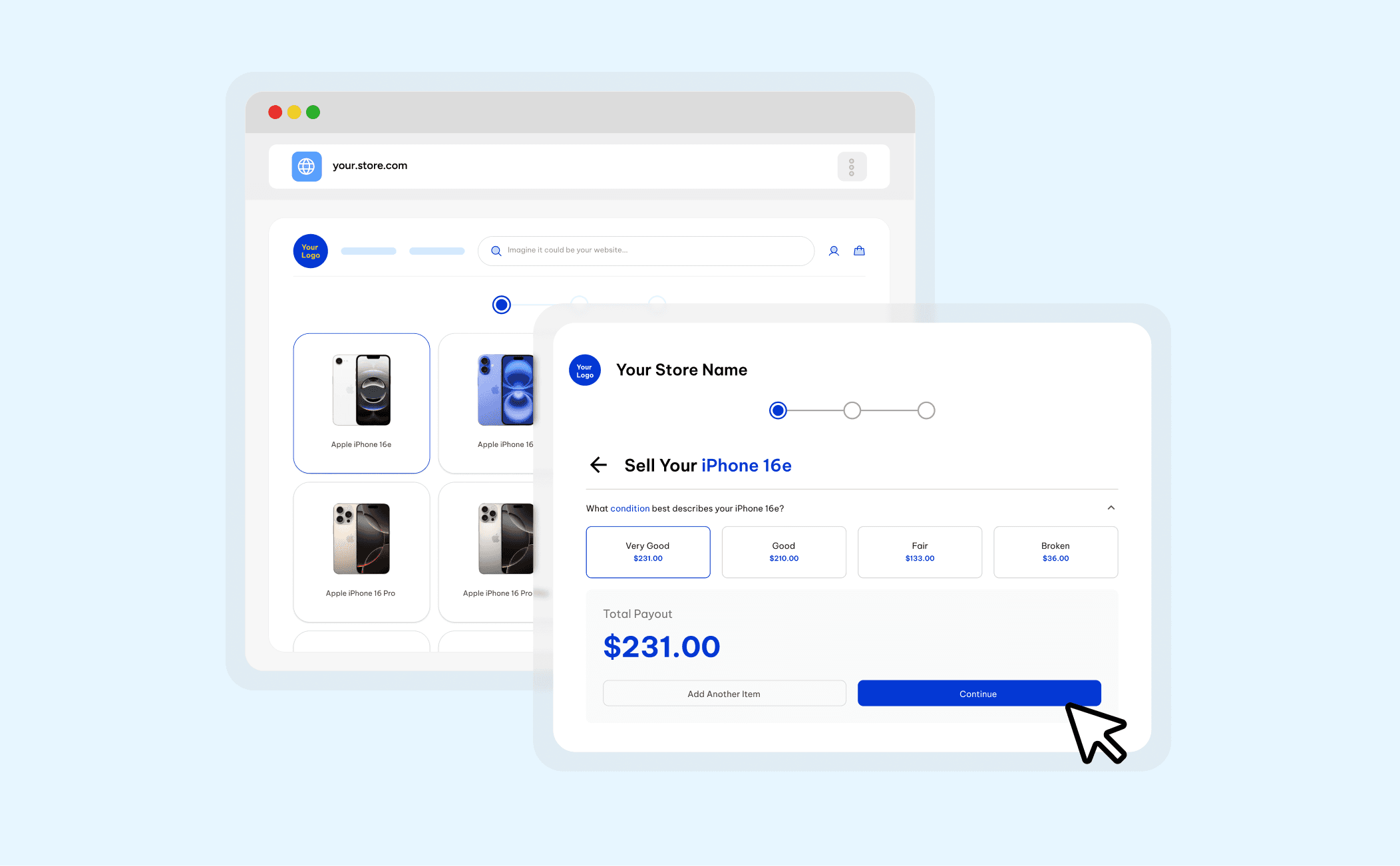
Many buyback and trade-in services make it easy to estimate your smartphone's value before you commit to selling it. Choose your smartphone model, select its storage capacity, answer a few questions about its condition, and you'll receive an estimated offer in just a few clicks. Having an estimate upfront makes it easier to compare your options and decide whether the offer meets your expectations.
If you're ready to sell your smartphone, here are a few buyback and trade-in services you can explore:
The Buyback Platform
The Buyback Platform is a US-based buyback service that helps individuals and organizations sell used smartphones, tablets, laptops, smartwatches, and accessories. Customers can receive an online quote, ship their devices for free, and be paid quickly after evaluation. The company also prioritizes certified data destruction and refurbishment to help extend the life of electronic devices whenever possible.
One Bite Technology
Based in St. Albert, Alberta, Canada, One Bite Technology offers trade-in services alongside smartphone, tablet, MacBook, and computer repairs. In addition to helping customers sell eligible devices, the company provides technical support, data recovery, electronics recycling, and repair services for a wide range of consumer electronics, making it a convenient option for those looking to upgrade or maintain their devices.
Green.dk
Green.dk is based in Copenhagen, Denmark, and specializes in giving used electronics a second life. Customers can sell smartphones, tablets, laptops, smartwatches, game consoles, speakers, and other eligible devices through its buyback services. After inspection and refurbishment when needed, many of these devices are resold to new owners, helping extend their lifespan and reduce electronic waste.
Reusely powers the buyback services from those platforms, helping make the buyback and trade-in process faster, more transparent, and easier to navigate.






" width="1304.414px"/></svg>)